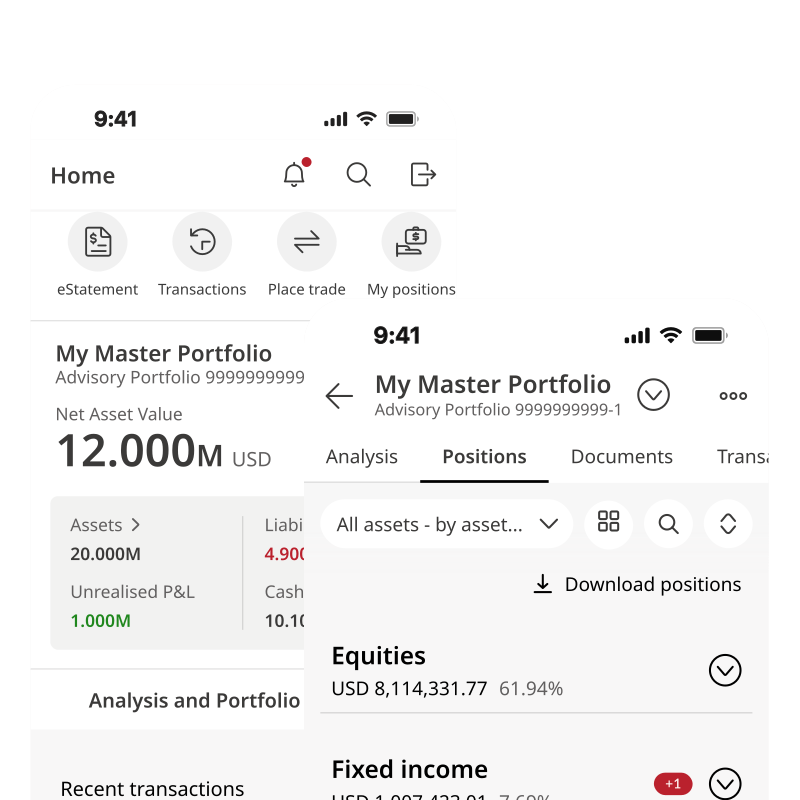




Asia’s global private bank
Rooted in Asia, global in perspective, your trusted wealth management partner.
Explore solutions for












Awards and accolades


About us
Asia’s global private bank
Bank of Singapore is a wholly-owned private banking subsidiary of OCBC, Southeast Asia’s second largest financial services group by assets. Headquartered in Singapore, we are one of the fastest growing private banks in Asia, serving high-net-worth individuals and wealthy families globally in key markets.
Backed by OCBC’s strong credit ratings, we offer a unique value proposition as a safe Singapore-registered private bank.
Armed with our strong research capabilities, we operate on an open architecture product platform that sources for the best-in-class products to meet our clients’ goals. Our clients have access to an array of consumer and corporate banking, corporate finance and treasury services across OCBC Group. Since 2010, our strong performance has won us numerous industry accolades, including Singapore’s Best for Chief Investment Office, Singapore’s Best for High Net Worth by Euromoney, and Best Private Bank for Intermediaries by Asian Private Banker and Citywire.